

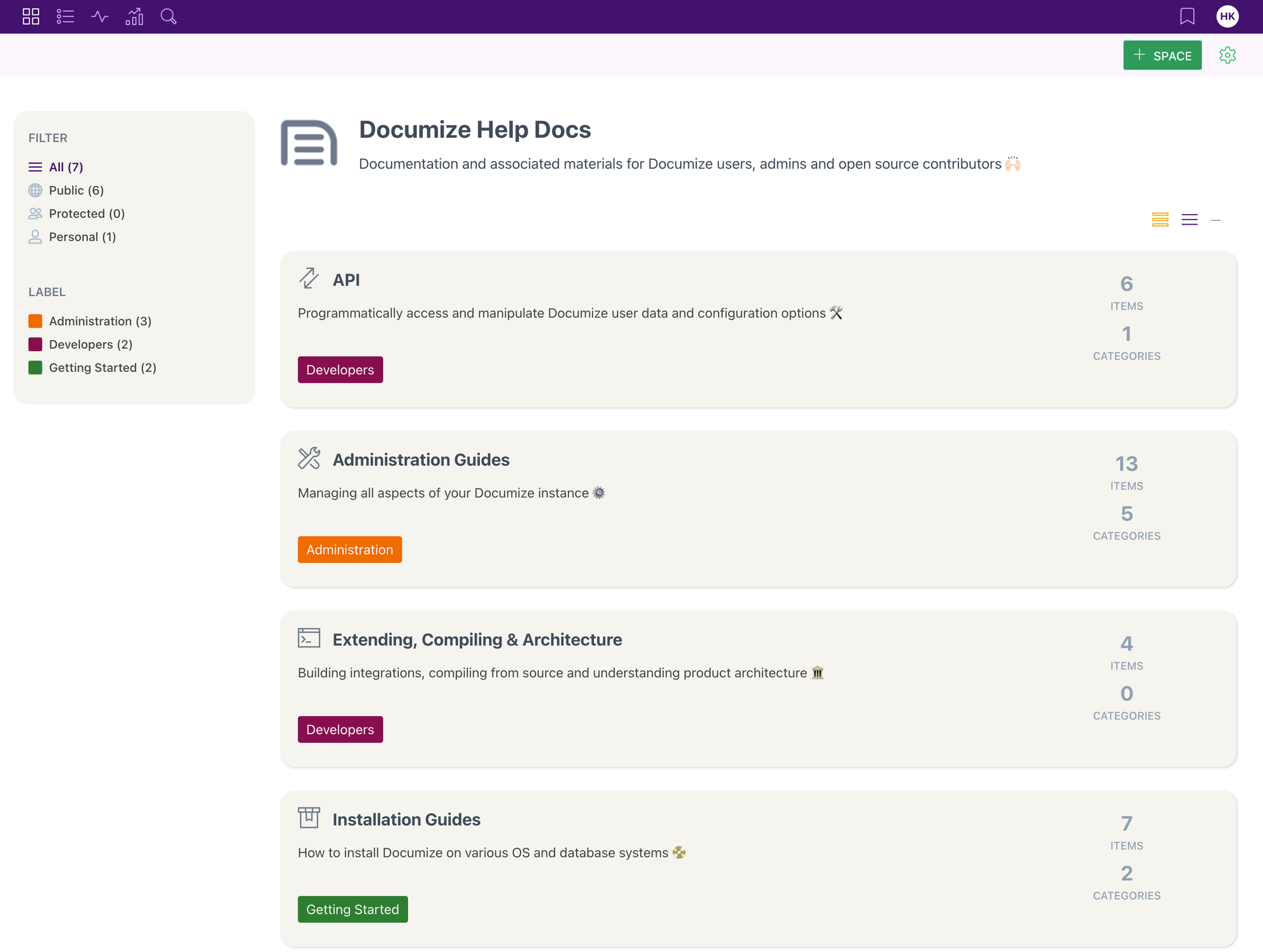
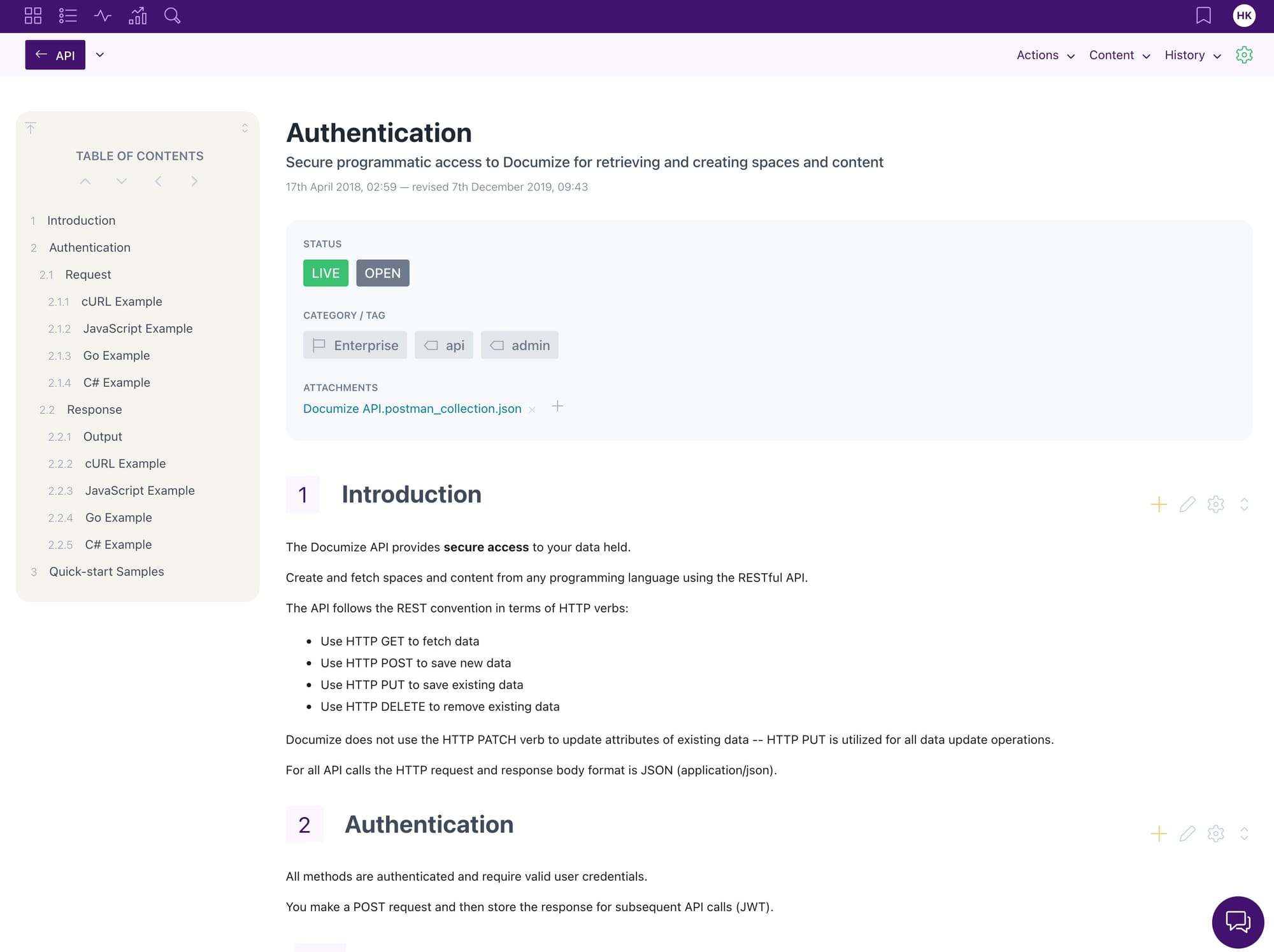
Application gallery
Introduction
This guide installs Documize Community on a fresh Ubuntu 20.04/22.04/24.04 server, sets up PostgreSQL correctly, and runs Documize as a systemd service.
It uses the current Documize distribution method (single Linux binary), avoids the buggy config-file path, and relies on flags/environment variables.
Requirements
- Ubuntu (amd64) with
sudoaccess and Internet. - Documize will listen on port 8080 (you can later put it behind Traefik/Nginx).
- Database user:
docuser, Database name:documize. - Replace the placeholders:
YourPasswordHere→ a strong DB password you choose.YourSaltHere→ a random 32–64 hex chars string (see Step 7).
1) Update system & install helpers
sudo apt update && sudo apt upgrade -y
sudo apt install -y curl wget jq ca-certificates postgresql postgresql-contrib

Enable PostgreSQL:
```bash
sudo systemctl enable --now postgresql
sudo systemctl status postgresql --no-pager
2) Create PostgreSQL role, database
sudo -u postgres psql <<'SQL'
-- Create app user (set your own strong password)
DO $$
BEGIN
   IF NOT EXISTS (SELECT FROM pg_roles WHERE rolname = 'docuser') THEN
      CREATE USER docuser WITH ENCRYPTED PASSWORD 'YourPasswordHere';
   END IF;
END
$$;

-- (Re)create database with UTF-8 and owned by docuser
DROP DATABASE IF EXISTS documize;
CREATE DATABASE documize
  OWNER docuser
  TEMPLATE template0
  ENCODING 'UTF8';

-- Ensure the public schema is correctly owned and writable
ALTER SCHEMA public OWNER TO docuser;
GRANT ALL ON SCHEMA public TO docuser;
GRANT CREATE, USAGE ON SCHEMA public TO docuser;
SQL
Quick connectivity check:
pg_isready -d "host=localhost port=5432 dbname=documize user=docuser"
3) Create a system user and folders for Documize
sudo useradd -r -s /usr/sbin/nologin -d /opt/documize documize || true
sudo mkdir -p /opt/documize /var/lib/documize /etc/documize
sudo chown -R documize:documize /opt/documize /var/lib/documize
4) Download the latest Documize Community binary (Linux amd64)
Use GitHub “latest” (auto-picks the newest Linux binary)
DL_URL="$(curl -s https://api.github.com/repos/documize/community/releases/latest \
  | jq -r '.assets[] | select(.name | test("linux-amd64$")) | .browser_download_url')"

echo "Downloading: $DL_URL"
sudo curl -L "$DL_URL" -o /opt/documize/documize
sudo chmod 0755 /opt/documize/documize
sudo chown documize:documize /opt/documize/documize
5) (Optional) Open the firewall for 8080 (UFW)
sudo ufw allow 8080/tcp
sudo ufw reload
6) One-off smoke test (no config file; flags + env)
We do not use the --config path (it can crash).
Documize expects -dbtype and -db (or DOCUMIZEDBTYPE / DOCUMIZEDB).
We’ll also set a SALT for the setup UI.
First, generate a salt (or use your own):
openssl rand -hex 32
Then run Documize just once in the foreground:
sudo -u documize env \
  DOCUMIZEDBTYPE=postgresql \
  DOCUMIZEDB='host=localhost port=5432 dbname=documize user=docuser password=YourPasswordHere sslmode=disable' \
  DOCUMIZESALT='YourSaltHere' \
  /opt/documize/documize -port 8080
Open: http://servcer-ip:8080/setup
Confirm the page loads. Ctrl+C to stop when you’re done checking.
sudo -u documize env \
  DOCUMIZEDBTYPE=postgresql \
  DOCUMIZEDB='host=localhost port=5432 dbname=documize user=docuser password=YourPasswordHere sslmode=disable' \
  DOCUMIZESALT='YourSaltHere' \
  /opt/documize/documize -port 8080
7) Persist with systemd (recommended)
Create an env file for the service:
sudo tee /etc/documize/env >/dev/null <<'EOF'
DOCUMIZEDBTYPE=postgresql
DOCUMIZEDB=host=localhost port=5432 dbname=documize user=docuser password=YourPasswordHere sslmode=disable
DOCUMIZESALT=YourSaltHere
EOF
sudo chmod 0640 /etc/documize/env
sudo chown root:documize /etc/documize/env
Create the systemd unit:
sudo tee /etc/systemd/system/documize.service >/dev/null <<'EOF'
[Unit]
Description=Documize Community
After=network.target postgresql.service
Wants=postgresql.service

[Service]
User=documize
Group=documize
WorkingDirectory=/opt/documize
EnvironmentFile=/etc/documize/env
ExecStart=/opt/documize/documize -port 8080
Restart=always
RestartSec=5s

[Install]
WantedBy=multi-user.target
EOF

sudo systemctl daemon-reload
sudo systemctl enable --now documize
sudo systemctl status documize --no-pager
8) Complete the setup wizard
Open:
http://server-ip:8080/setup
Fill in organization/admin details → Complete setup.
From now on you’ll use the normal login URL (the setup route is one-time).
9) Useful operations
# service control
sudo systemctl stop documize
sudo systemctl start documize
sudo systemctl restart documize
sudo systemctl status documize --no-pager
journalctl -u documize -f   # live logs
10) Production notes (optional but recommended)
HTTPS & domain: place Documize behind Traefik/Nginx with Let’s Encrypt so users access https://wiki.yourdomain.com instead of :8080.
Backups: schedule nightly pg_dump of the documize DB.
Firewall/Zero Trust: expose only 80/443 via reverse proxy, keep 8080 internal.
Upgrades: stop service, replace /opt/documize/documize with the latest binary, start service.
11) Troubleshooting quick hits
Setup button does nothing: ensure DOCUMIZESALT is set before first run, then restart via systemd.
“permission denied for schema public”: ensure the DB was created with OWNER docuser and run the schema ALTER/GRANT lines in Step 2 (or drop/recreate DB as shown).
Can’t reach from LAN/Internet: verify it’s listening on 0.0.0.0:8080 (ss -ltnp | grep :8080), open UFW, check router/NAT, or use a reverse proxy.
[!SUCCESS]
Installation completed!
Documize is now fully installed and running on your system.

Discussion